walletink.

Turn your social profiles into Apple Wallet passes.

Sharing made easy. Your socials, right in your Wallet.

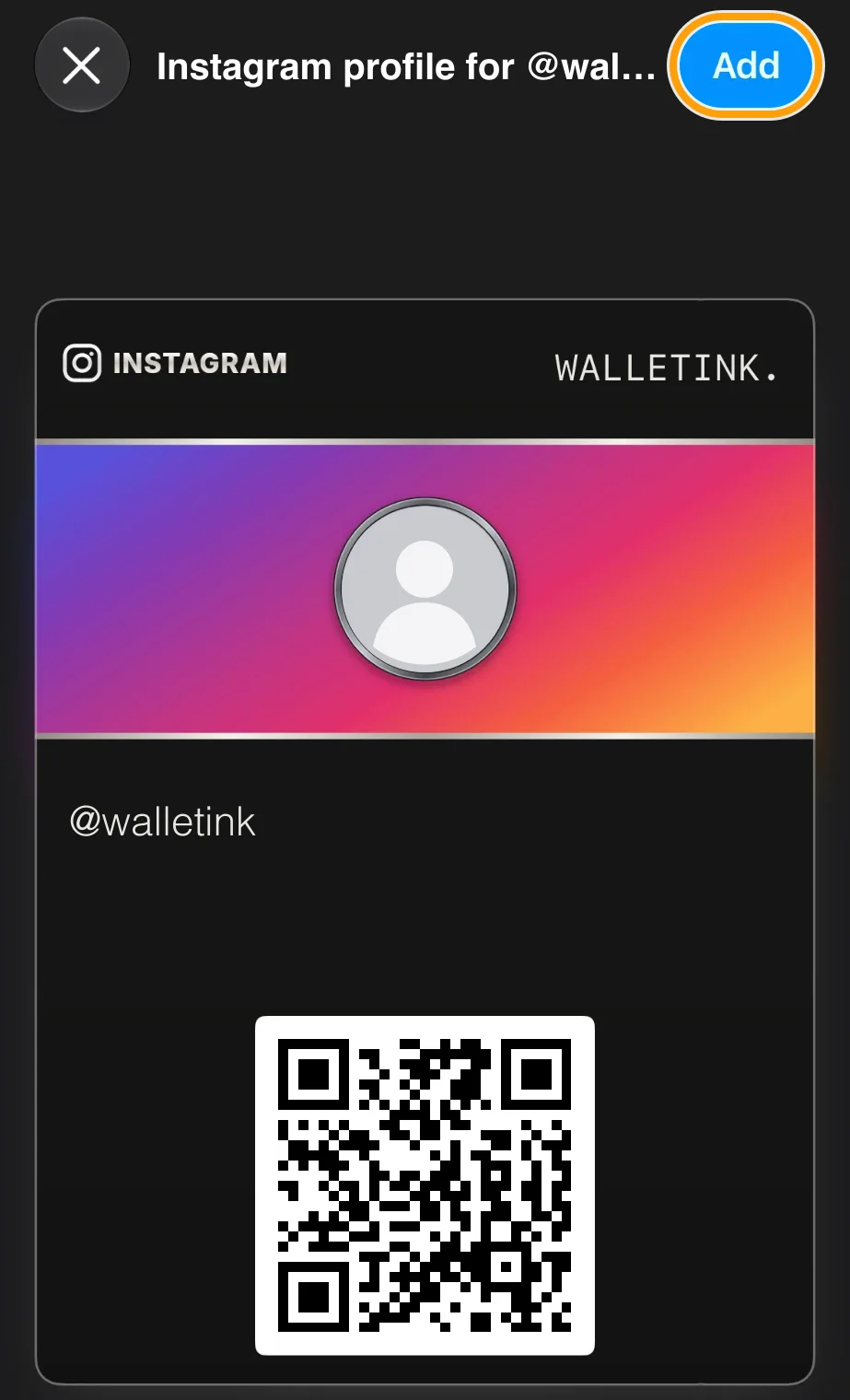
INSTAGRAMWALLETINK.

@walletink

SNAPCHATWALLETINK.

@walletink

LINKEDINWALLETINK.

@walletink

GITHUBWALLETINK.

@walletink

WHATSAPPWALLETINK.

@walletink

SPOTIFYWALLETINK.

@walletink

HOW IT WORKS

Six taps. That's all.
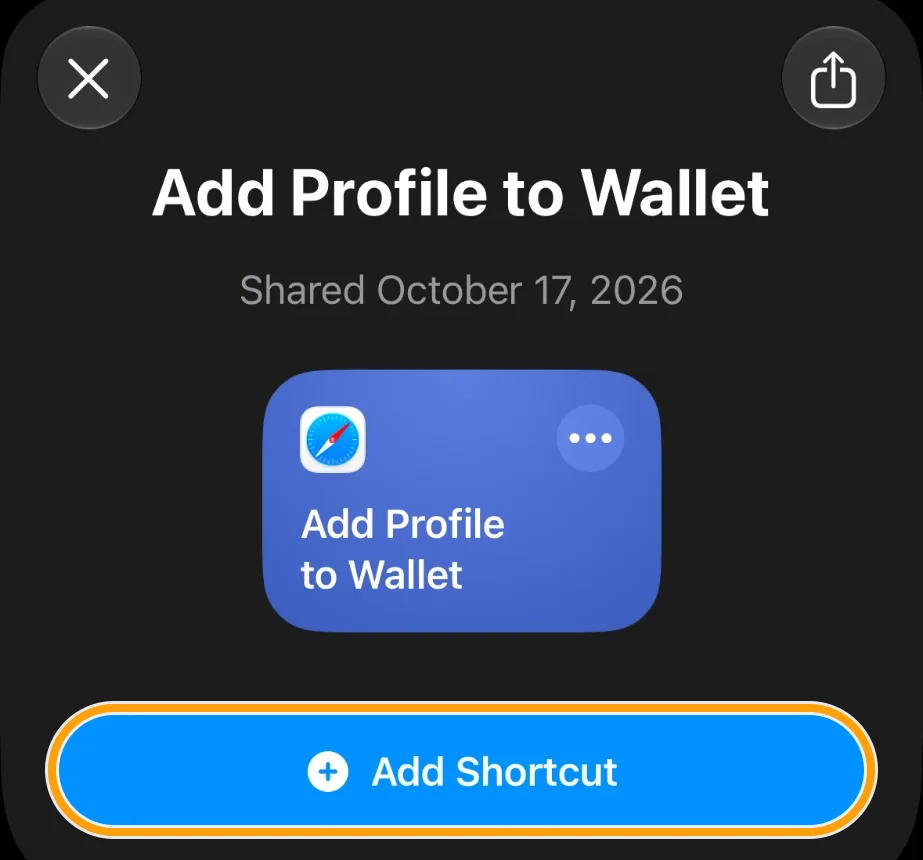
Shortcut page with the Add Shortcut button highlighted
01

Get the Shortcut

Tap Add Shortcut.
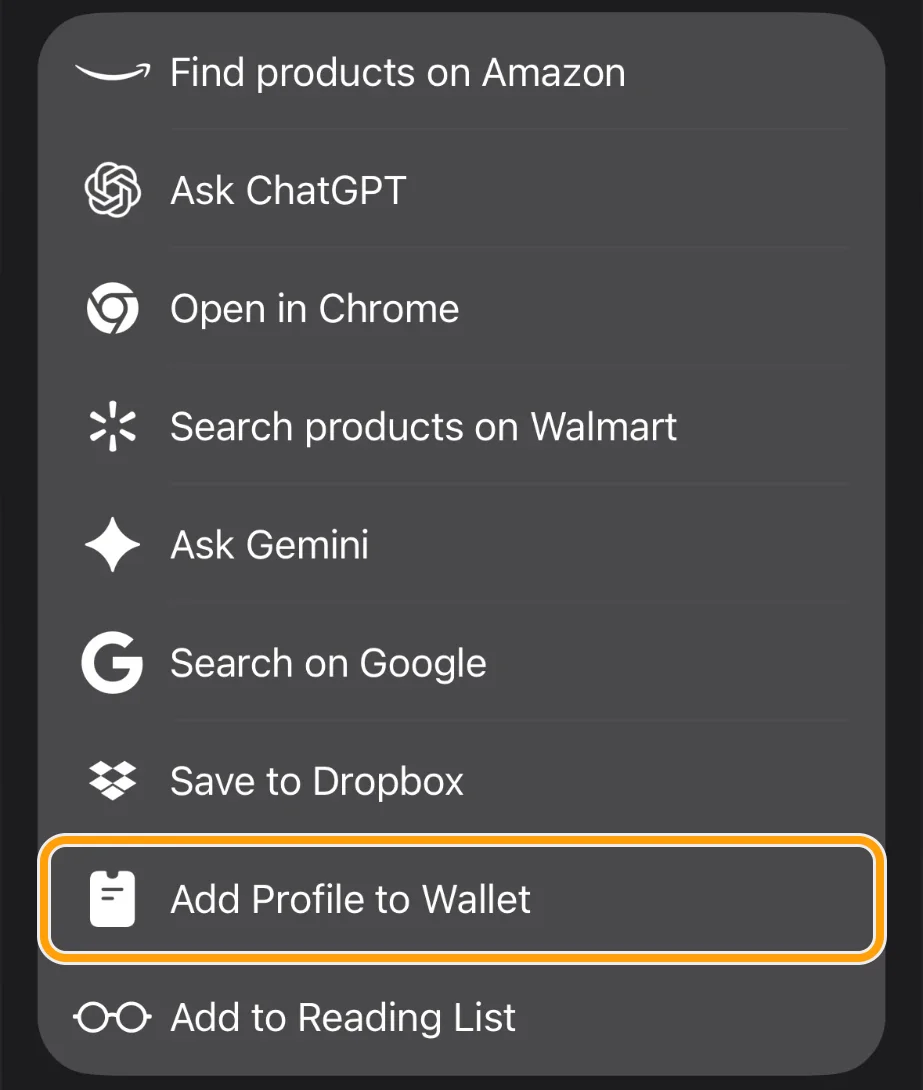
Share sheet with Add Profile to Wallet highlighted
02

Share a profile

Tap Add Profile to Wallet.
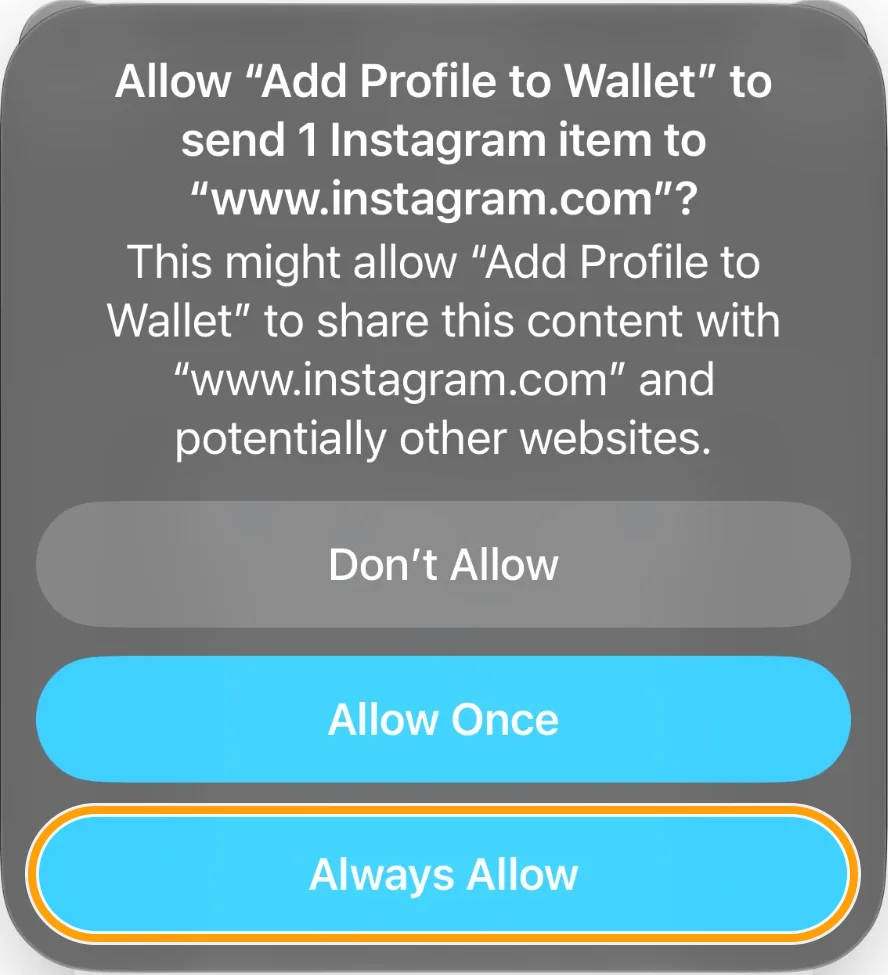
Permission to send to instagram.com, Always Allow highlighted
03

Always Allow

Let it read the profile.
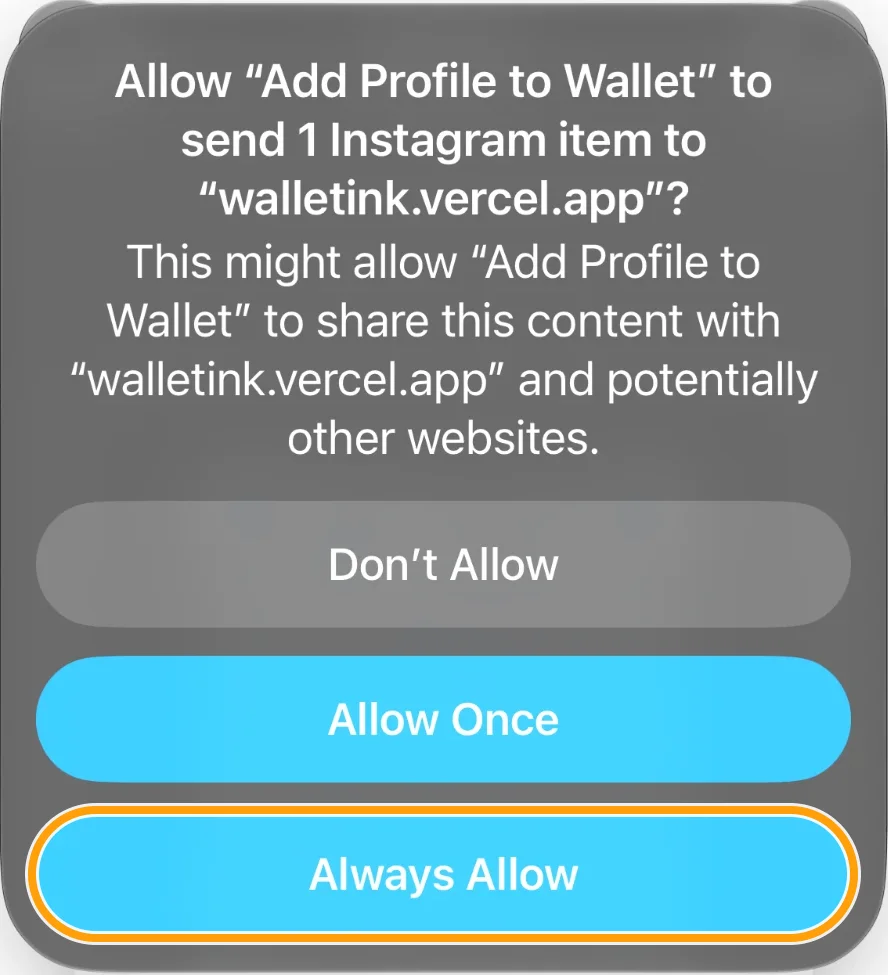
Permission to send to walletink.vercel.app, Always Allow highlighted
04

Always Allow

Let it make the pass.
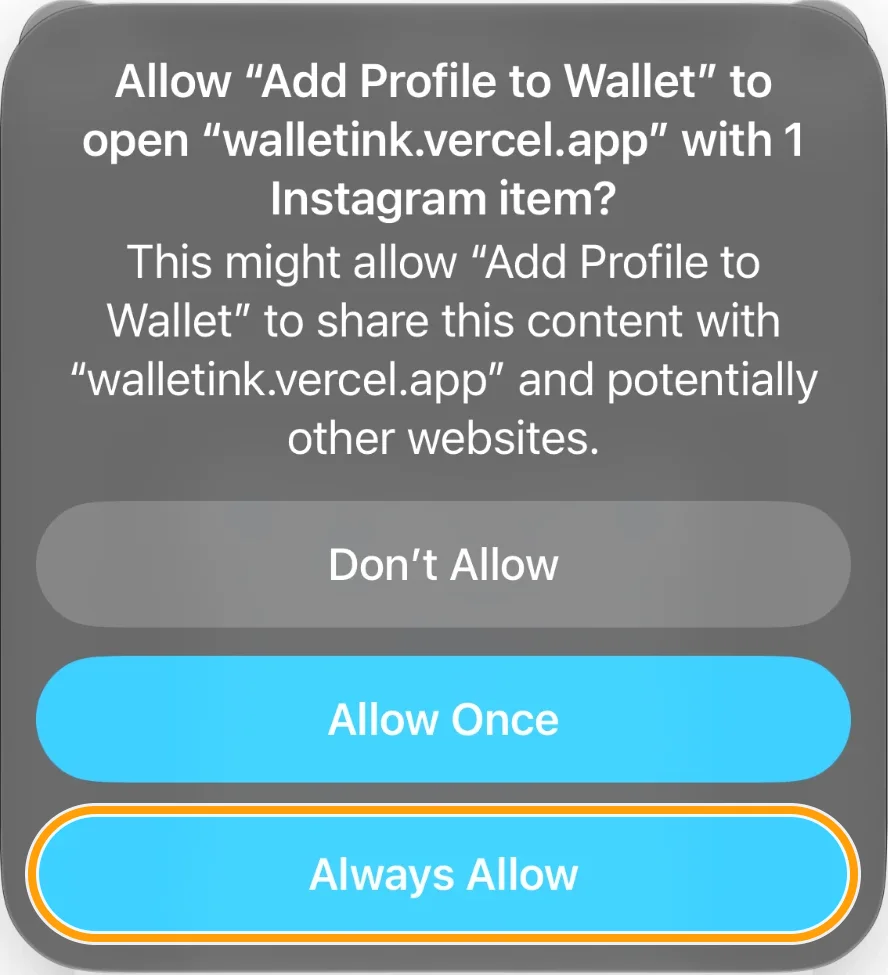
Permission to open walletink.vercel.app, Always Allow highlighted
05

Always Allow

Opens your pass.

Walletink Instagram pass with the Add button highlighted
06

Tap Add

Saved in Wallet.

ⓘ   The Always Allow prompts appear only the first time. Apple always asks before adding a pass.